# Home Page
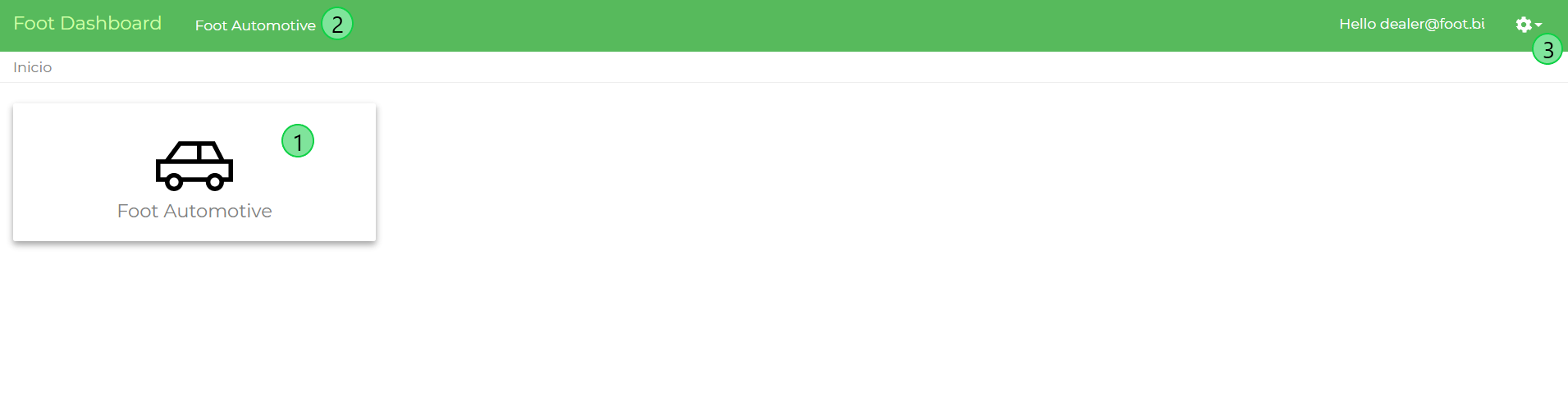
In the home page, the user has an overview of all available dashboard components.
To access a IKNOS the user has to click on its card. (1)
In the green toolbar, the user will also find a quick access link for the Connected Outlet dashboard (2). Also, on top-right there is an icon for the settings (3) that will allow the user to:
- Change the account’s password
- Change the dashboard’s language
- Logout